Features · Monitoring & Backups
See how every app is doing.
Health checks on every app, live logs, and an email when something goes down. Every build is kept with its log, and databases are backed up every night.
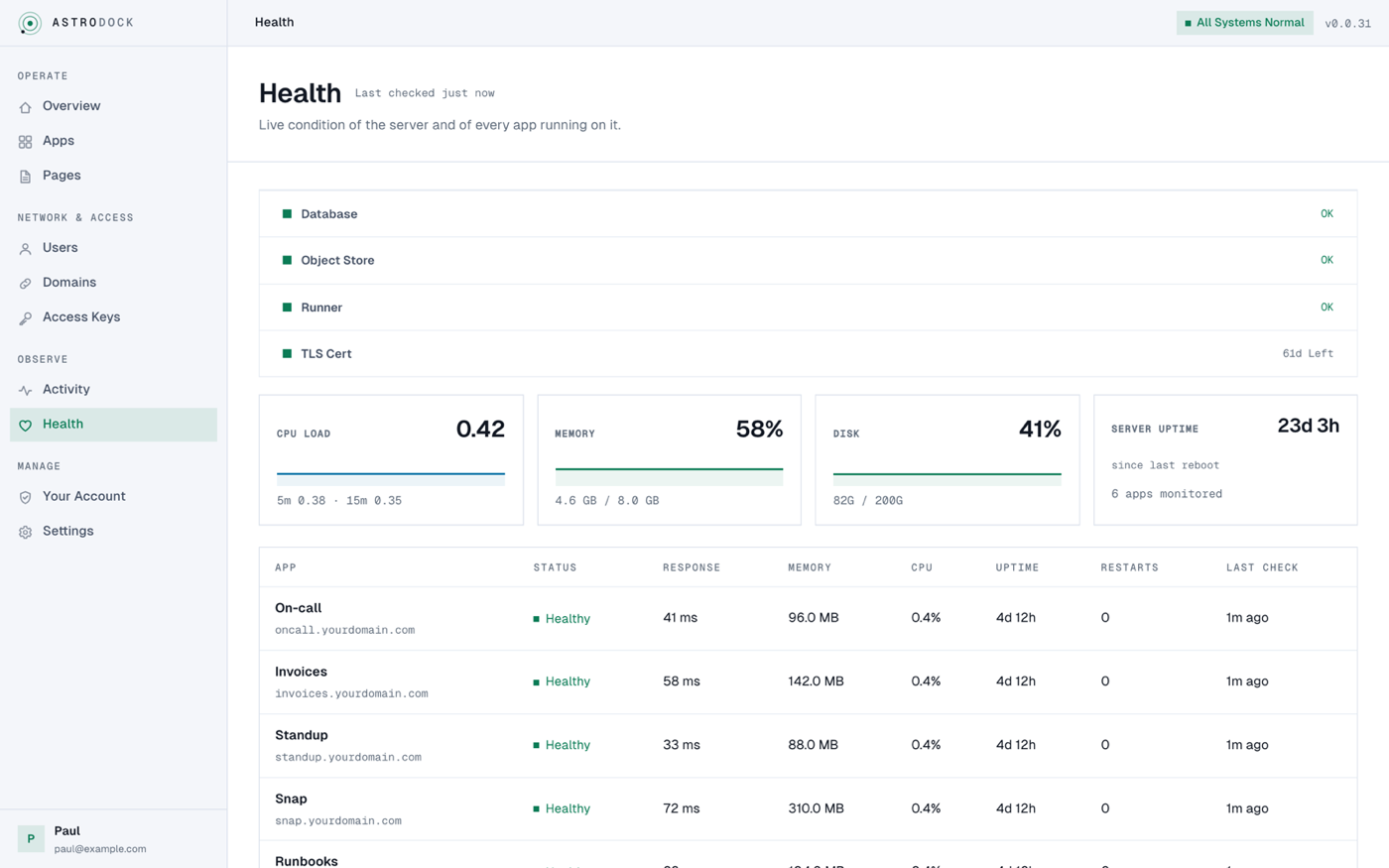
Included With Every App
Live Logs
What an app is printing right now, in the dashboard. No server login needed.
Health Checks
Every app checked continuously. An email when one stops answering, and another when it comes back.
Backups on a Schedule
Dumps of every app database and the platform's own state, every night, on the server's own disk. The last seven are kept, or as many as you choose when you run it yourself.
History
Every build, kept with its log.
Weeks after a build broke you can still open it and read exactly what the installer said.
The same is true of the platform's own events: what was deployed, what changed, who was granted access to what, and when.
Backups and Restore →status · commit · full build logchecked continuously · alert on failuredatabases + platform state → the server's diskWhat Arrives
What the alert email looks like.
One email when an app goes down, and one when it's back.
From: Astrodock <noreply@yourdomain>
Subject: oncall is not responding

oncall stopped answering its health check
at 03:14 and has failed 3 checks in a row.

  https://oncall.yourdomain
  Last deploy: 2 days ago, succeeded

Logs and history are on the dashboard.
Or start on Astrodock Cloud, or install it on a machine you control.