Features · Sign-In
Sign-in for every app, with no login code to write.
Astrodock runs the sign-in page and keeps the accounts. Your app is told who signed in, and you decide who can open which app.
How It Works
Your App Sends Them to Sign In
Your app redirects to Astrodock's sign-in page. Your code doesn't handle any of what happens there.
Astrodock Checks Who They Are
Password, passkey, second factor, whichever you've turned on. It also checks they're allowed into this particular app.
Your App Gets a Code
They come back with a one-time code. Your server trades it for their identity and starts its own session.
Why It Matters
No password code in your app.
Sign-in code is where small projects most often go wrong: a password logged by accident, a reset flow nobody tested, a session that never expires. None of that code is in your app.
Every app also gets passkeys and two-factor sign-in without building them.
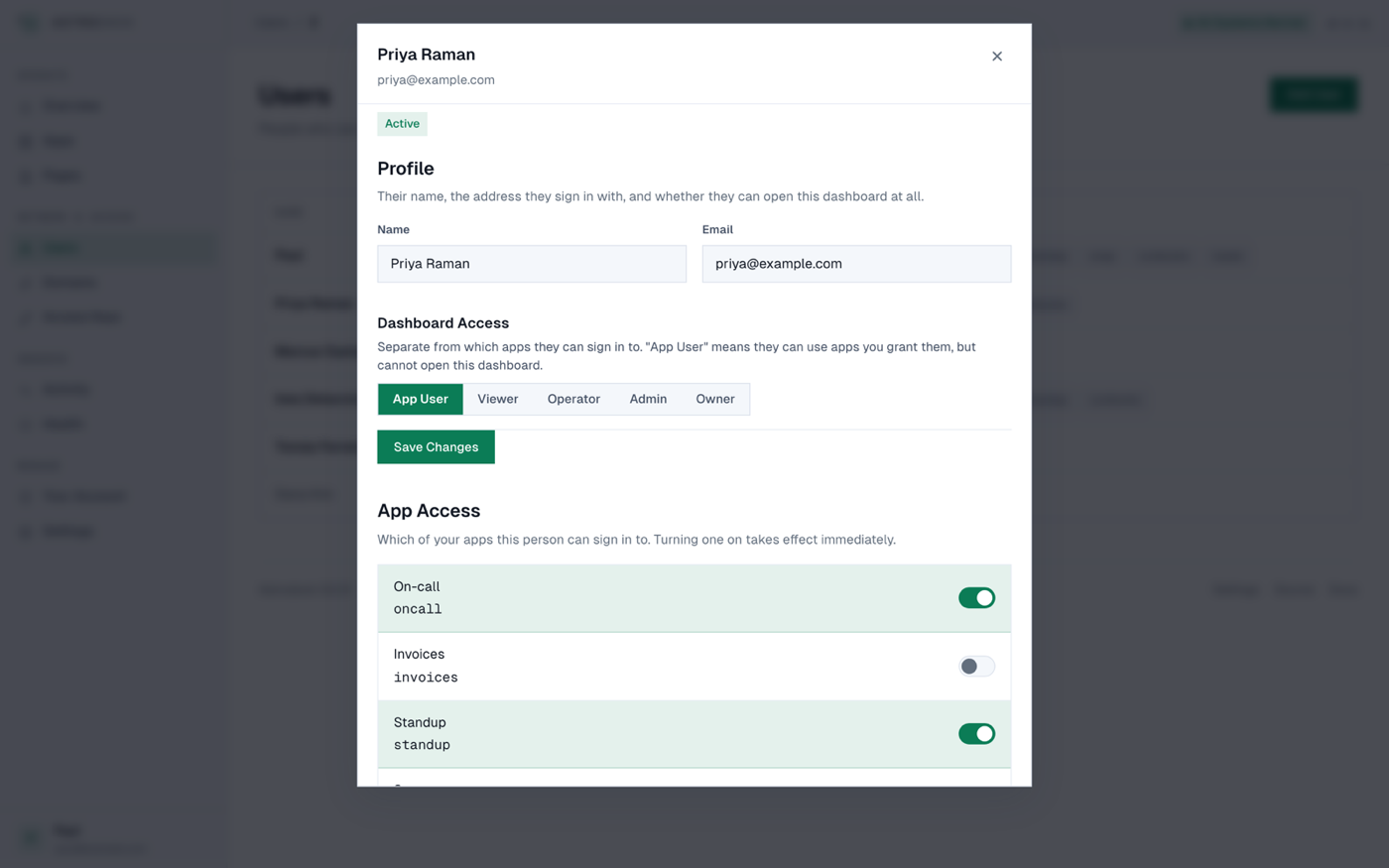
Sign in once, reach everything you're grantedThe on-call tool, but not invoicesA landing page doesn't need a loginIn Your Code
Two routes in your server.
Your app sends people to sign in, then exchanges the code they come back with. There is no user table, no password hashing, no reset flow, and no session library to choose.
// send them to the platform
app.get('/api/login', (req, res) => {
  res.redirect(auth.authorizeUrl({ redirectUri, state }));
});

// they come back with a code, not a password
app.get('/api/auth/callback', async (req, res) => {
  const user = await auth.exchange(req.query.code, { redirectUri });
  // { userId, email, name } — now mint your own session
});
Or start on Astrodock Cloud, or install it on a machine you control.